How to transcribe a Microsoft Teams meeting
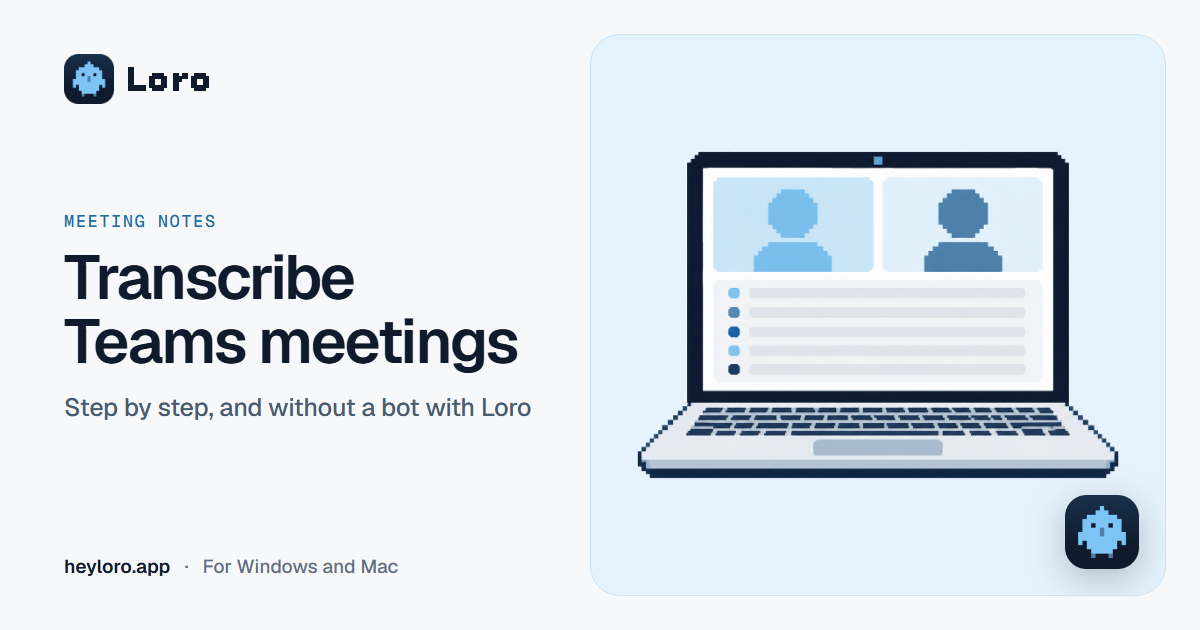
In short
In a Teams meeting, go to More › Record and transcribe › Start transcription, confirm the spoken language and you're set: everyone sees a notice, and after the meeting the transcript is in the meeting chat (Recap › Transcript), ready to download as .docx or .vtt. The organizer and people from the same organization can start it. If you can't start it, or you also want a note with the next steps, Loro transcribes from your computer, without a bot.
How to start transcription in Teams
- In the meeting, in the controls at the top, go to More options.
- Choose Record and transcribe › Start transcription.
- Confirm the spoken language and select Confirm.
If you record the meeting, transcription starts automatically. Live transcription can only be started in the desktop app; on mobile you can view it afterwards.
Who can start it
- The organizer, co-organizers and people from the same organization.
- People from another organization can view the live transcript, but can't start or download it.
- Anonymous guests can't start, view or download it.
- Everyone sees a notice that the meeting is being transcribed.
Where the transcript ends up
After the meeting, open the meeting chat in Teams and go to Recap › Transcript. There you can download it as .docx or .vtt (by default, organizers and co-organizers can download it). It's stored in the organizer's OneDrive.
How to transcribe Teams with Loro
- Download Loro for free for Windows or Mac.
- Join the Teams meeting. Loro recognizes the call and asks "Take notes on this call?".
- Click Take notes. What's being said shows up live, with who said what.
- When you hang up, you get the note with the topics and each person's next steps, and you can ask it anything.
It works even if you're not the organizer or from the same organization, and also in Meet, Zoom or WhatsApp.
The options, compared
| Teams transcription |  Loro Loro | |
|---|---|---|
| Who starts it | The organizer or their organization | You, from your computer |
| Summary and next steps | No, only the text | Yes |
| Where it's saved | Meeting chat and the organizer's OneDrive | Your computer and your Loro account |
| Download | .docx or .vtt | Copy the note or share it with a link |
| Works in Meet, Zoom or WhatsApp | No | Yes |
Tell the others
Teams notifies everyone when it transcribes. With Loro no bot shows up, so tell people yourself that you're taking notes.
Try Loro for free
Dictate in any app and get notes from your meetings, with no bot. For Windows and Mac, no card needed.
Frequently asked questions
How do I turn on transcription in Teams?
In the meeting, go to More options › Record and transcribe › Start transcription, confirm the language and select Confirm.
Where is a Teams meeting transcript?
In the meeting chat, under Recap › Transcript. From there you can download it as .docx or .vtt.
Why can't I start transcription in Teams?
You may not be in the same organization as the organizer, you may have joined as an anonymous guest, or you may be on your phone, where live transcription can't be started. With Loro you can still take notes, from your computer.
Does Teams transcribe other languages?
Yes. Before starting, confirm the spoken language: Teams supports many, including Spanish.
Does Loro work with the Teams app?
Yes. It recognizes Teams calls on Windows and Mac, in the app and in the browser.
Sources
- Microsoft, View live transcription in Microsoft Teams meetings, checked on October 13, 2026.
Keep reading
 Meeting notes
Transcribe Google Meet
Google Meet only transcribes on some Google Workspace plans. How its transcripts and Gemini notes work, which plans include them, and how to transcribe any Meet for free and without a bot with Loro.
Meeting notes
Transcribe Google Meet
Google Meet only transcribes on some Google Workspace plans. How its transcripts and Gemini notes work, which plans include them, and how to transcribe any Meet for free and without a bot with Loro.
 Meeting notes
Transcribe Zoom meetings
Zoom transcribes cloud recordings on its paid plans. How its transcription works, what it needs and where it's saved, and how to transcribe any Zoom meeting for free and without a bot with Loro.
Meeting notes
Transcribe Zoom meetings
Zoom transcribes cloud recordings on its paid plans. How its transcription works, what it needs and where it's saved, and how to transcribe any Zoom meeting for free and without a bot with Loro.
 Meeting notes
AI meeting notes
What an AI meeting notes app does, the difference between "with a bot" and "without a bot", how Loro takes notes in Meet, Zoom, Teams and WhatsApp, and what happens to your audio. Free to start.
Meeting notes
AI meeting notes
What an AI meeting notes app does, the difference between "with a bot" and "without a bot", how Loro takes notes in Meet, Zoom, Teams and WhatsApp, and what happens to your audio. Free to start.
 Comparisons
Granola vs Fireflies
Granola takes meeting notes without a bot; Fireflies sends an assistant to your calls or records bot-free from its desktop app. Free plans, prices, languages, dictation and privacy.
Comparisons
Granola vs Fireflies
Granola takes meeting notes without a bot; Fireflies sends an assistant to your calls or records bot-free from its desktop app. Free plans, prices, languages, dictation and privacy.
Microsoft Teams is a trademark of its owner. Loro is not affiliated with it. The details come from its official pages, checked on October 13, 2026.