Audio to text, free and unlimited: no sign-up, no upload
In short
Choose an audio file below (a WhatsApp voice note works) and click Transcribe: the text shows up right here, ready to copy or download. It's free, with no account and no minute limit, because your own computer does the work with Whisper, OpenAI's speech recognition (OpenAI makes ChatGPT). Your audio isn't uploaded anywhere. It works on a computer, in Chrome or Edge; if you're on your phone, see below for how to get the audio to your computer.
Your audio never leaves your computer: Whisper runs here, in your browser.
How to use it
- Choose the file in the box, or drop it there: an audio file (MP3, M4A, WAV, OGG), a WhatsApp voice note or a video (MP4, MOV, WebM).
- Pick the audio's language. If it isn't English or Spanish, click Other and Whisper figures it out.
- Click Transcribe. You can keep using your computer in the meantime; just don't close this tab.
- Click Copy or Download .txt.
Want subtitles? Before you transcribe, tick With timings for subtitles (.srt). When it's done, Download subtitles (.srt) appears, with the minute and second of each line, in the format YouTube and most video editors accept. It takes about twice as long.
WhatsApp voice notes
WhatsApp saves voice notes as .ogg or .opus files, and this page can read them.
- If you're on your computer: in WhatsApp Web or the desktop app, download the voice note from its menu and drop it on the box.
- If you're reading this on your phone: forward the voice note to yourself (to a chat with yourself, or by email) and open this page on your computer. A phone isn't a good fit: it's about 770 MB to download, and many phones don't have the memory for Whisper.
Why it's free and private
Other sites upload your audio to their servers and give you limits (for example, 3 files a day of up to 30 minutes), because every minute of audio costs them money. Here Whisper runs inside your browser, on your computer's graphics. The built-in graphics work: you don't need a separate graphics card. The only downloads are Whisper and the page's code; your audio, never.
What you need
- An up-to-date Chrome or Edge. If your browser can't use the graphics, the page tells you and offers the processor instead: same text, but it takes several times longer. In Safari or Firefox, depending on the version, it may only work with the processor.
- Room for Whisper: it's a big file (about 770 MB) that your browser downloads once and keeps for next time.
How long it takes
It depends on your computer. On a powerful laptop (Ryzen 9 processor, no separate graphics card), it takes about as long as the audio: 2 minutes 18 seconds of audio took 2 minutes 22 seconds. A more modest computer will take longer. If you choose the processor, the same laptop takes about 3 to 4 times the length of the audio.
The first time, add the download, which depends on your connection. After that, Whisper takes a few seconds to get ready before it starts.
If you want to write with your voice
This page turns audio that's already recorded into text. To write with your voice while you work, we made Loro: hold Ctrl + Win (fn on a Mac), talk, and the text appears wherever your cursor is, in any app, without the "um"s. And on video calls it takes the notes without adding a bot to the meeting. Here's how AI dictation works.
Try Loro for free
Dictate in any app and get notes from your meetings, with no bot. For Windows and Mac, no card needed.
Frequently asked questions
How accurate is it?
In a test with 20 sentences recorded in Spanish by a speaker from Peru (messages, numbers, place names, a medical note and a legal one), it got 15 out of every 100 words wrong: in a 50-word message, about 7 or 8 to fix, usually brand names, unusual names or technical words. That's the same accuracy as Whisper installed as a program: running in the browser costs it nothing. With background noise or several people talking at once it makes more mistakes, so check the text before you use it.
Is my audio uploaded to the internet?
No. Your computer reads the audio and turns it into text inside the browser. The only downloads are Whisper and this page's code.
Can I transcribe long recordings?
Yes, there's no length limit. A long recording takes proportionally longer: see "How long it takes".
Who makes this page?
The Loro team. Loro is a voice dictation app for Windows and Mac. We made this page so anyone can turn audio into text without paying and without uploading it anywhere.
Sources
- OpenAI, Whisper: the model, under the MIT license. Checked October 15, 2026.
- Hugging Face, whisper-large-v3-turbo for the browser: the exact version this page uses. Checked October 15, 2026.
- Hugging Face, Transformers.js: the library that runs Whisper in your browser, with WebGPU. Checked October 15, 2026.
Keep reading
 Meeting notes
Transcribe Google Meet
Google Meet only transcribes on some Google Workspace plans. How its transcripts and Gemini notes work, which plans include them, and how to transcribe any Meet for free and without a bot with Loro.
Meeting notes
Transcribe Google Meet
Google Meet only transcribes on some Google Workspace plans. How its transcripts and Gemini notes work, which plans include them, and how to transcribe any Meet for free and without a bot with Loro.
 Meeting notes
AI meeting notes
What an AI meeting notes app does, the difference between "with a bot" and "without a bot", how Loro takes notes in Meet, Zoom, Teams and WhatsApp, and what happens to your audio. Free to start.
Meeting notes
AI meeting notes
What an AI meeting notes app does, the difference between "with a bot" and "without a bot", how Loro takes notes in Meet, Zoom, Teams and WhatsApp, and what happens to your audio. Free to start.
 Key concepts
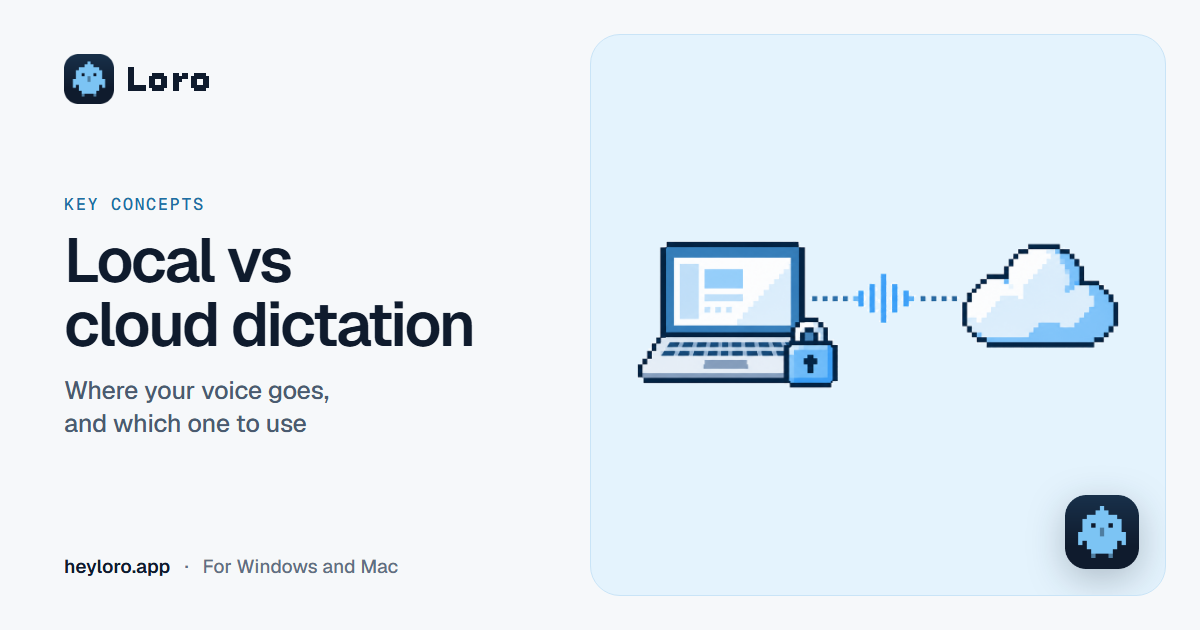
Local vs cloud dictation
What it means for a dictation or meeting notes app to run "on your computer" or "in the cloud", what each one gains and loses, and how Loro handles your voice.
Key concepts
Local vs cloud dictation
What it means for a dictation or meeting notes app to run "on your computer" or "in the cloud", what each one gains and loses, and how Loro handles your voice.
OpenAI Whisper is a trademark of its owner. Loro is not affiliated with it. The details come from its official pages, checked on October 15, 2026.