Loro for doctors: dictate reports, letters and emails on your computer

In short
Doctors, psychologists and other health professionals write a lot on the computer: reports, referral letters, instructions, emails and messages. With Loro you say it instead of typing it: hold Ctrl + Win (fn on a Mac) wherever you want to write, talk, and the text appears with periods, commas and capitals. Before dictating patient data, note this: Loro isn't a medical product and doesn't have health certifications like HIPAA, so follow your institution's rules and have your voice turned into text on your computer.
What health professionals write the most
- Reports and visit summaries.
- Referral letters.
- Instructions for patients.
- Emails and messages to the team, labs and patients.
How Loro helps, with examples
Letters and emails
You say: "dear doctor salinas, um, I'm referring this patient for evaluation of the right knee, uh, let me know if you have any questions". Loro types: "Dear Dr. Salinas, I'm referring this patient for evaluation of the right knee. Let me know if you have any questions.".
Clear instructions
Dictate the instructions the way you'd say them to the patient. With Loro Pro, select the text, hold Ctrl + Win and ask "turn it into numbered steps" or "make it simpler".
Your terms, spelled right
Add the terms, medications and names you use most to your dictionary. If you fix a word after dictating it, Loro learns it on its own.
Patient data: what you need to know
- Loro isn't a medical product and doesn't have health certifications like HIPAA, nor does it sign business associate agreements (BAA). If your institution or country has rules for patient data, follow them.
- "On your computer" (in Settings): your voice is turned into text on your computer and never leaves it. That's the option for sensitive work. Offline, everything happens on your computer.
- Audio is never stored.
- Your dictation text is kept for 30 days to improve Loro: if you dictate sensitive information, turn that off and delete it in Settings › Privacy.
- Don't use meeting notes during consultations without your patient's consent and without checking the rules that apply to you.
What it costs
- Free: 2,000 dictation words a week.
- Pro: unlimited dictation, for USD 9.99 a month or USD 80 a year.
- For your practice or clinic: the same Pro price, per person.
Try Loro for free
Dictate in any app and get notes from your meetings, with no bot. For Windows and Mac, no card needed.
Frequently asked questions
Can I use Loro for medical records?
Loro types into any program, including your practice's system. But it isn't a medical product and doesn't have health certifications: before dictating patient data, check your institution's rules and use "On your computer".
Does it understand medical terms?
It understands everyday English and Spanish and many common terms. Add the tricky ones to your dictionary and it spells them right from then on.
Does my voice leave my computer?
Online, it's turned into text in the cloud and deleted right away. If you pick "On your computer" in Settings, your voice never leaves your computer.
Is Loro HIPAA compliant?
No. Loro isn't HIPAA certified and doesn't sign business associate agreements (BAA).
Does it work on a Mac?
Yes. On a Mac you hold fn and talk, in any app.
Keep reading
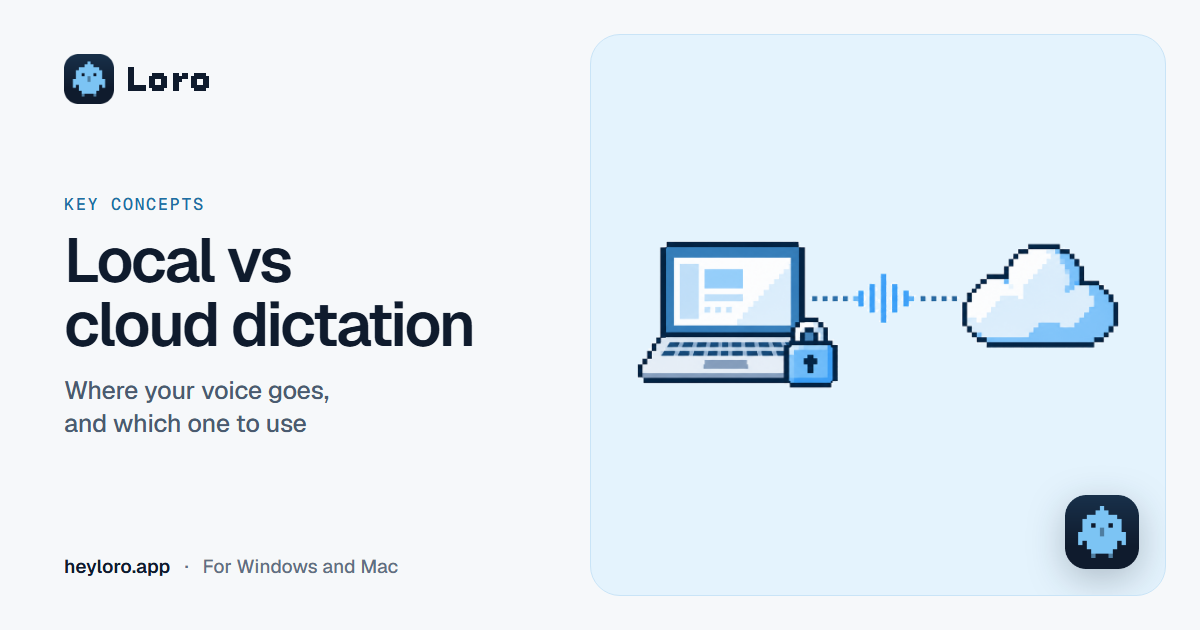 Key concepts
Local vs cloud dictation
What it means for a dictation or meeting notes app to run "on your computer" or "in the cloud", what each one gains and loses, and how Loro handles your voice.
Key concepts
Local vs cloud dictation
What it means for a dictation or meeting notes app to run "on your computer" or "in the cloud", what each one gains and loses, and how Loro handles your voice.
 Voice dictation
Dictate in Word
Three ways to dictate in Word: Microsoft 365's Dictate button, Windows or Mac dictation, and Loro, which types clean text in Word and in any other app. Step by step, and which one is worth it.
Voice dictation
Dictate in Word
Three ways to dictate in Word: Microsoft 365's Dictate button, Windows or Mac dictation, and Loro, which types clean text in Word and in any other app. Step by step, and which one is worth it.
 Voice dictation
Dictate emails in Gmail and Outlook
Gmail has no dictation button on the computer, and Outlook does, with Microsoft 365. How to dictate your emails in both, on Windows and Mac, and how to get clean text that's ready to send.
Voice dictation
Dictate emails in Gmail and Outlook
Gmail has no dictation button on the computer, and Outlook does, with Microsoft 365. How to dictate your emails in both, on Windows and Mac, and how to get clean text that's ready to send.