How to talk to ChatGPT on your computer: dictate your prompts
In short
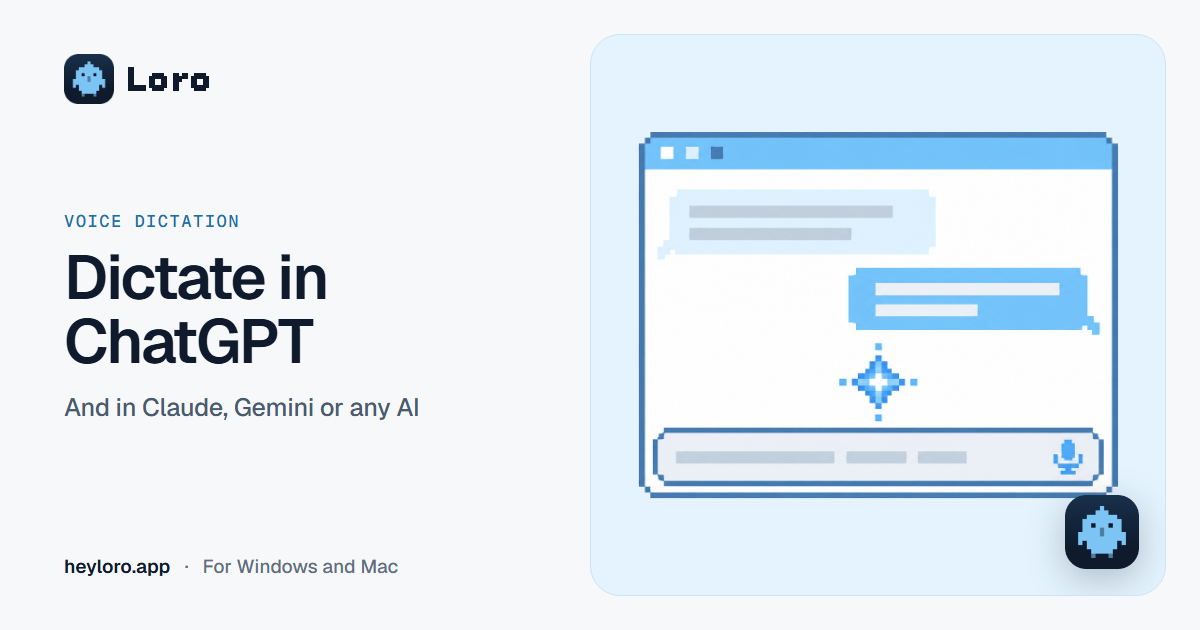
In ChatGPT, tap the microphone in the text box, talk, and what you say appears as text so you can check it before sending. Voice mode is something else: a spoken conversation. If you want to dictate the same way in ChatGPT, Claude, Gemini or any other app, without filler words, an app like Loro does it: click in the AI's text box, hold Ctrl + Win (fn on a Mac), talk and let go.
Why dictate to an AI
You talk about three times faster than you type. With AI that matters more than anywhere: a prompt with context (who it's for, what you want, what you already tried) gets a much better answer, and that context is tedious to type. Said out loud, it takes seconds.
ChatGPT's microphone and voice mode
- Dictation (the microphone in the text box): you talk, ChatGPT turns it into text and you decide whether to send it. It's for writing your prompt.
- Voice mode (the big voice button): a real-time spoken conversation; ChatGPT answers with its voice.
If ChatGPT starts talking to you when you press a button, you're in voice mode, not dictation. If you don't see the microphone in the browser, check that the site has permission to use the microphone.
How to dictate in ChatGPT with Loro
- Download Loro for free for Windows or Mac.
- Click in ChatGPT's text box (or Claude's, Gemini's, or whichever AI you use).
- Hold Ctrl + Win (fn on a Mac) and talk.
- Let go. The prompt appears; check it and send it.
An example. You say: "um, give me three quick dinner ideas with chicken and rice, like, that don't need an oven". Loro types: "Give me three quick dinner ideas with chicken and rice that don't need an oven.".
Because Loro types wherever your cursor is, it works the same in ChatGPT on the web, in its desktop app, in Claude, in Gemini or in any tool's chat. And if you want ChatGPT to read your meeting notes, connect Loro to ChatGPT.
Tips for dictating good prompts
- Start with who you are and what it's for: "I'm a fifth-grade teacher and I need…".
- Say what format you want: "as a table", "in five bullets", "in under a hundred words".
- Share what you already know or tried. When you're talking, adding context costs little.
- Ask it to ask you: "if you're missing information, ask me before answering".
Your AI can read your meetings
With Loro you can also connect ChatGPT or Claude to your meeting notes (in Settings, under "Your AI"). Then you can ask your AI things like "what's still pending with Andina Supply?" or "write the follow-up email for today's meeting", and it answers with what was said.
Try Loro for free
Dictate in any app and get notes from your meetings, with no bot. For Windows and Mac, no card needed.
Frequently asked questions
Does ChatGPT have dictation?
Yes. There's a microphone in the text box: you talk and the text appears so you can check it before sending. It's different from voice mode, which is a spoken conversation.
What's the difference between ChatGPT dictation and voice mode?
Dictation turns your voice into text and you send the prompt. Voice mode is a conversation: you talk and ChatGPT answers with its voice.
Can I dictate in Claude or Gemini?
Yes, with Loro: it works in any app where you can type, including Claude, Gemini or Perplexity.
Can I dictate to ChatGPT in Spanish?
Yes. And if you dictate with Loro, the text reaches ChatGPT already clean, with punctuation and accents.
Can I use my meeting notes in ChatGPT?
Yes. With Loro you connect ChatGPT or Claude to your notes (Settings › Your AI) and ask them about your meetings.
Sources
- OpenAI Academy, using voice in ChatGPT, checked on October 13, 2026.
- Loro, Your AI and FAQ.
Keep reading
 Voice dictation
Dictate emails in Gmail and Outlook
Gmail has no dictation button on the computer, and Outlook does, with Microsoft 365. How to dictate your emails in both, on Windows and Mac, and how to get clean text that's ready to send.
Voice dictation
Dictate emails in Gmail and Outlook
Gmail has no dictation button on the computer, and Outlook does, with Microsoft 365. How to dictate your emails in both, on Windows and Mac, and how to get clean text that's ready to send.
 Voice dictation
Voice typing on Windows
How to dictate with your voice on Windows 10 and 11 using Windows + H, how to add punctuation, what to do if it doesn't work, and when an app like Loro, which cleans up your text and works offline, is worth it.
Voice dictation
Voice typing on Windows
How to dictate with your voice on Windows 10 and 11 using Windows + H, how to add punctuation, what to do if it doesn't work, and when an app like Loro, which cleans up your text and works offline, is worth it.
 Meeting notes
AI meeting notes
What an AI meeting notes app does, the difference between "with a bot" and "without a bot", how Loro takes notes in Meet, Zoom, Teams and WhatsApp, and what happens to your audio. Free to start.
Meeting notes
AI meeting notes
What an AI meeting notes app does, the difference between "with a bot" and "without a bot", how Loro takes notes in Meet, Zoom, Teams and WhatsApp, and what happens to your audio. Free to start.
ChatGPT, Claude and Gemini are trademarks of their owners. Loro is not affiliated with them. Each app's details come from its official pages, checked on October 13, 2026.