Loro for lawyers: dictate drafts and emails, and take notes of client calls
In short
Lawyers spend the day drafting: briefs, contracts, emails to clients and opposing counsel, meeting summaries. With Loro you say it instead of typing it: in Word or your email, hold Ctrl + Win (fn on a Mac), talk, and the text appears with periods, commas and capitals. On video calls with clients, Loro takes the notes without adding a bot. And when a matter calls for it, you can have your voice turned into text on your computer, without it ever leaving.
What lawyers write the most
- Drafts of briefs, contracts and letters.
- Emails to clients, opposing counsel and the court.
- Notes of meetings and calls with clients.
- Case summaries for the team.
How Loro helps, with examples
Drafts in Word
Put the cursor in the document, hold Ctrl + Win and dictate the argument the way you'd explain it out loud. Loro types it with punctuation and without filler words. Then, with Loro Pro, select a paragraph, hold Ctrl + Win and ask "make it more formal" or "summarize it in three points".
Emails to clients
You say: "dear mr ramirez, um, I'm confirming the hearing is set for Thursday at ten, uh, please bring the documents I mentioned". Loro types: "Dear Mr. Ramirez, I'm confirming the hearing is set for Thursday at ten. Please bring the documents I mentioned.".
With Loro Pro you can also hold Ctrl + Alt and ask "reply to this email, tell him yes, but on Friday": Loro looks at your screen and writes the reply the way you would (it needs the internet).
Notes of client calls
In Meet, Zoom, Teams or WhatsApp, Loro listens from your computer, without a bot, and when you hang up it writes the note: the topics and each person's next steps. Then you ask "which dates did the client mention?" and it answers with what was said.
Always tell the client you're taking notes.
Confidentiality: what you need to know
- Audio is never stored, neither from your dictation nor from your meetings.
- Online, your voice is turned into text in the cloud and the recording is deleted right away.
- "On your computer" (in Settings): your voice is turned into text on your computer and never leaves it. Offline, everything happens on your computer.
- Your dictation text is kept for 30 days to improve Loro; you can turn that off and delete it in Settings › Privacy.
- Your meeting notes are also saved in your Loro account so your AI can read them; you can turn that copy off in Privacy and keep them only on your computer.
- Loro doesn't have certifications like SOC 2. If your firm or bar has rules about client information, check them before using it on a matter.
What it costs
- Free: 2,000 dictation words a week and unlimited meeting notes (you see the last 30 days).
- Pro: unlimited dictation and your whole history, for USD 9.99 a month or USD 80 a year.
- For your firm: the same Pro price, per person.
Try Loro for free
Dictate in any app and get notes from your meetings, with no bot. For Windows and Mac, no card needed.
Frequently asked questions
Does Loro work for dictating long documents?
Yes. Dictate one paragraph at a time: hold Ctrl + Win, say one idea, let go and keep going. For terms or names that come up often, use your dictionary.
Does it understand legal terms?
It understands everyday English and Spanish, including the most common terms. If a word or a name is tricky, add it to your dictionary and it spells it right from then on.
Can I use Loro without my voice leaving my computer?
Yes. In Settings, pick "On your computer": your voice is turned into text right there. Offline, everything happens on your computer.
Does Loro record my client calls?
It doesn't store the audio: it turns what's said into text and writes the note. It doesn't add a bot, so tell your client yourself that you're taking notes.
Does it work in Word for Mac?
Yes. On a Mac you hold fn and talk, in Word or any other app.
Keep reading
 Voice dictation
Dictate in Word
Three ways to dictate in Word: Microsoft 365's Dictate button, Windows or Mac dictation, and Loro, which types clean text in Word and in any other app. Step by step, and which one is worth it.
Voice dictation
Dictate in Word
Three ways to dictate in Word: Microsoft 365's Dictate button, Windows or Mac dictation, and Loro, which types clean text in Word and in any other app. Step by step, and which one is worth it.
 Key concepts
Local vs cloud dictation
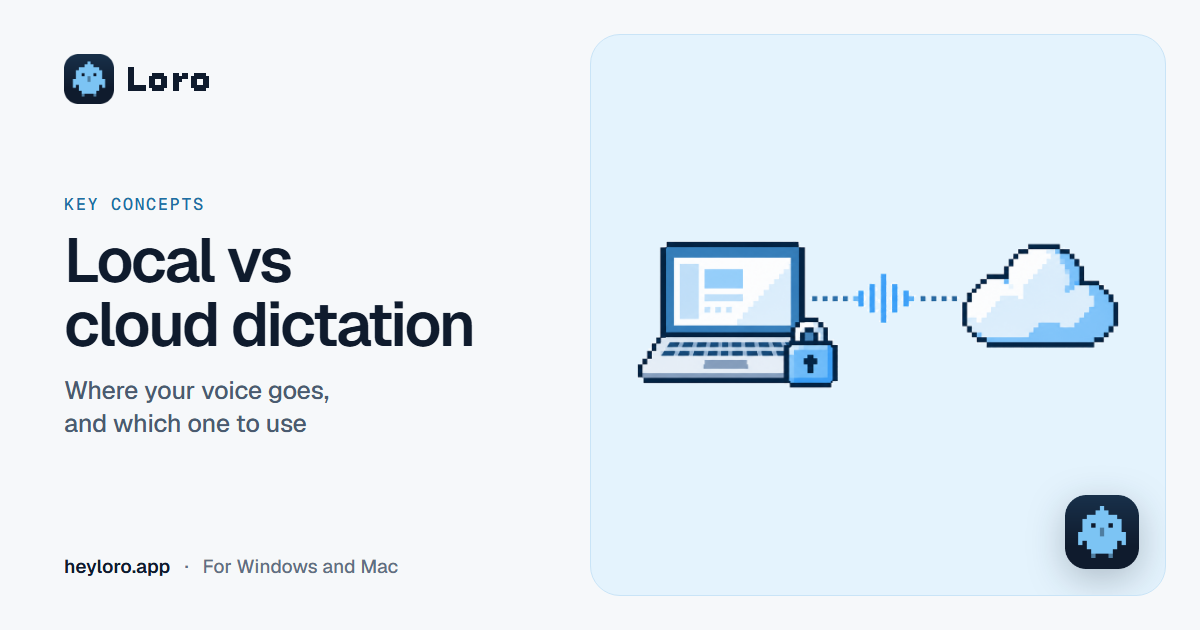
What it means for a dictation or meeting notes app to run "on your computer" or "in the cloud", what each one gains and loses, and how Loro handles your voice.
Key concepts
Local vs cloud dictation
What it means for a dictation or meeting notes app to run "on your computer" or "in the cloud", what each one gains and loses, and how Loro handles your voice.
 Meeting notes
AI meeting notes
What an AI meeting notes app does, the difference between "with a bot" and "without a bot", how Loro takes notes in Meet, Zoom, Teams and WhatsApp, and what happens to your audio. Free to start.
Meeting notes
AI meeting notes
What an AI meeting notes app does, the difference between "with a bot" and "without a bot", how Loro takes notes in Meet, Zoom, Teams and WhatsApp, and what happens to your audio. Free to start.