Meeting minutes template: what to include, a copy-ready template, and how to get them written for you
In short
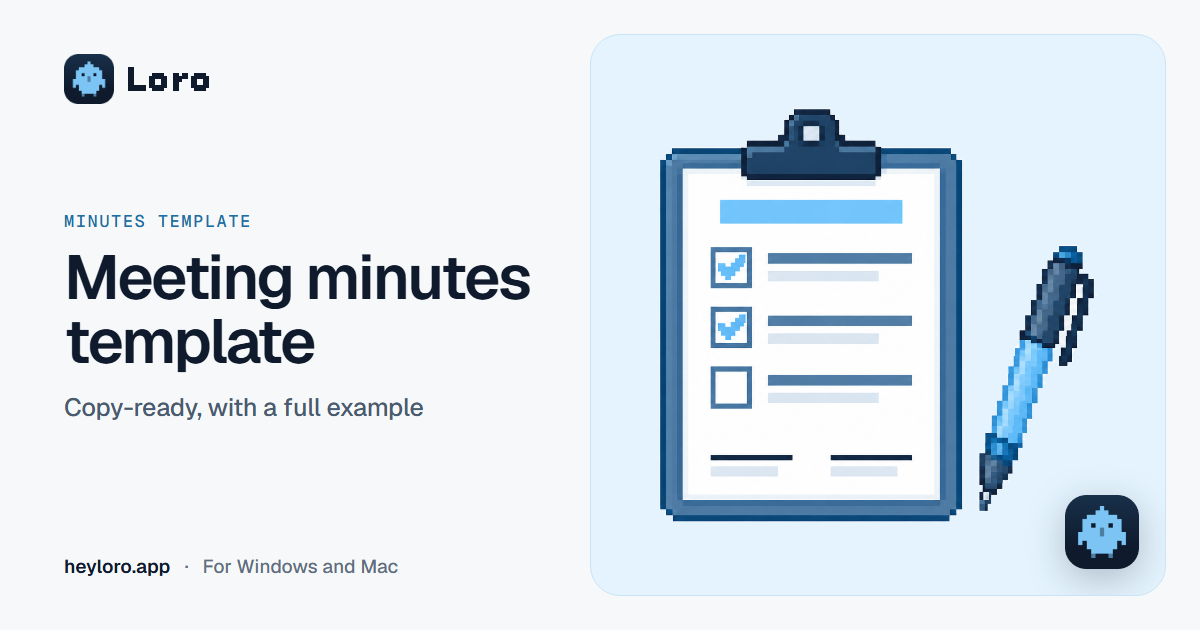
Meeting minutes are the written record of a meeting: who was there, what was discussed, what was decided, and who does what by when. To do them quickly, copy the template below into Word or Google Docs and fill it in when the meeting ends. If the meeting is a video call, Loro listens without a bot and, when you hang up, gives you the topics and each person's next steps; if you need them in minutes format, ask for it in the note's question bar.
What meeting minutes are
A short document that puts in writing what happened in a meeting, so nobody has to rely on memory. It helps you remember the decisions, keep people who missed it in the loop, and check at the next meeting what got done.
What to include
- Title of the meeting and what kind it is (team, client, board).
- Date, time and place (or the video call link).
- Attendees, and who was absent.
- Who chaired the meeting and who took the minutes.
- Agenda: the topics to be covered.
- The key points of each topic, in a few lines.
- Decisions.
- Action items: what needs to be done, who does it and by when.
- Next meeting, if it already has a date.
- Signatures, if your organization asks for them.
Template to copy
MEETING MINUTES

Meeting:
Date:                 Time:                Place or link:
Chair:                                     Minutes by:

Attendees:
Absent:

AGENDA
1.
2.
3.

DISCUSSION
1.
2.
3.

DECISIONS
-
-

ACTION ITEMS
- What:                Who:                   By:
- What:                Who:                   By:

NEXT MEETING
Date:                  Topics:

SIGNATURES
________________________          ________________________
A full example
MEETING MINUTES

Meeting: Online store proposal · Andina Supply
Date: October 13, 2026     Time: 10:00     Place or link: Google Meet
Chair: Carlos               Minutes by: Ana

Attendees: Carlos (Andina Supply), Daniela (Andina Supply), Ana
Absent: —

AGENDA
1. Store launch date
2. Budget
3. Contract and schedule

DISCUSSION
1. The store needs to be live before December.
2. The approved budget is 8,000 dollars; it's enough if work starts next week.
3. The contract is signed this week and work starts on Monday.

DECISIONS
- Work starts on Monday.
- The invoice goes to the company's name.

ACTION ITEMS
- What: send the signed contract     Who: Daniela     By: Wednesday
- What: send the schedule            Who: Ana         By: Thursday

NEXT MEETING
Date: Monday, 10:00     Topics: kickoff
Tips for minutes that actually help
- Write them the same day, while you remember everything.
- Every action item gets a name and a date. "Review the budget" doesn't work; "Daniela reviews the budget before Thursday" does.
- Keep them short. What was decided, not everything that was said.
- Send them to everyone and ask them to flag anything that's off.
- Start the next meeting by reviewing the previous minutes' action items.
How to get them written with Loro
- Download Loro for free for Windows or Mac.
- In your video call (Meet, Zoom, Teams or WhatsApp), click Take notes when Loro asks. It doesn't add a bot.
- When you hang up, Loro writes the note: the topics and the next steps with each person's name. You add your action items to your To-do with one click.
- If you need them in minutes format, type in the note's question bar "write the minutes with attendees, decisions and action items", and copy them into your document.
If the meeting was in person, you can also dictate the minutes afterwards: open the document, hold Ctrl + Win (fn on a Mac) and tell what happened.
Try Loro for free
Dictate in any app and get notes from your meetings, with no bot. For Windows and Mac, no card needed.
Frequently asked questions
What are meeting minutes?
The written record of a meeting: who was there, which topics were covered, what was decided and which action items came out of it, with an owner and a date.
Who takes the minutes?
Someone chosen at the start of the meeting. If you use Loro, the note writes itself and that person only reviews it.
Do minutes need signatures?
It depends on your organization. Board meetings and assemblies often require them; team meetings almost never do.
Is there a meeting minutes template for Word?
Copy the template above with the "Copy" button and paste it into Word or Google Docs: it's ready to fill in.
What's the difference between minutes and notes?
Notes are whatever you jot down; minutes are the agreed summary that gets shared, with decisions and owners. Loro's notes are close to minutes already: topics and next steps with names.
Keep reading
 Meeting notes
AI meeting notes
What an AI meeting notes app does, the difference between "with a bot" and "without a bot", how Loro takes notes in Meet, Zoom, Teams and WhatsApp, and what happens to your audio. Free to start.
Meeting notes
AI meeting notes
What an AI meeting notes app does, the difference between "with a bot" and "without a bot", how Loro takes notes in Meet, Zoom, Teams and WhatsApp, and what happens to your audio. Free to start.
 Meeting minutes templates
Parent meeting minutes
A free parent-teacher meeting minutes template to copy into Word or Google Docs, what to include in the notes of a class parent meeting, a full example, and how to get them done in minutes.
Meeting minutes templates
Parent meeting minutes
A free parent-teacher meeting minutes template to copy into Word or Google Docs, what to include in the notes of a class parent meeting, a full example, and how to get them done in minutes.
 Meeting notes
Transcribe Google Meet
Google Meet only transcribes on some Google Workspace plans. How its transcripts and Gemini notes work, which plans include them, and how to transcribe any Meet for free and without a bot with Loro.
Meeting notes
Transcribe Google Meet
Google Meet only transcribes on some Google Workspace plans. How its transcripts and Gemini notes work, which plans include them, and how to transcribe any Meet for free and without a bot with Loro.