Loro + Google Calendar: reminders before each meeting and notes with the right name
In short
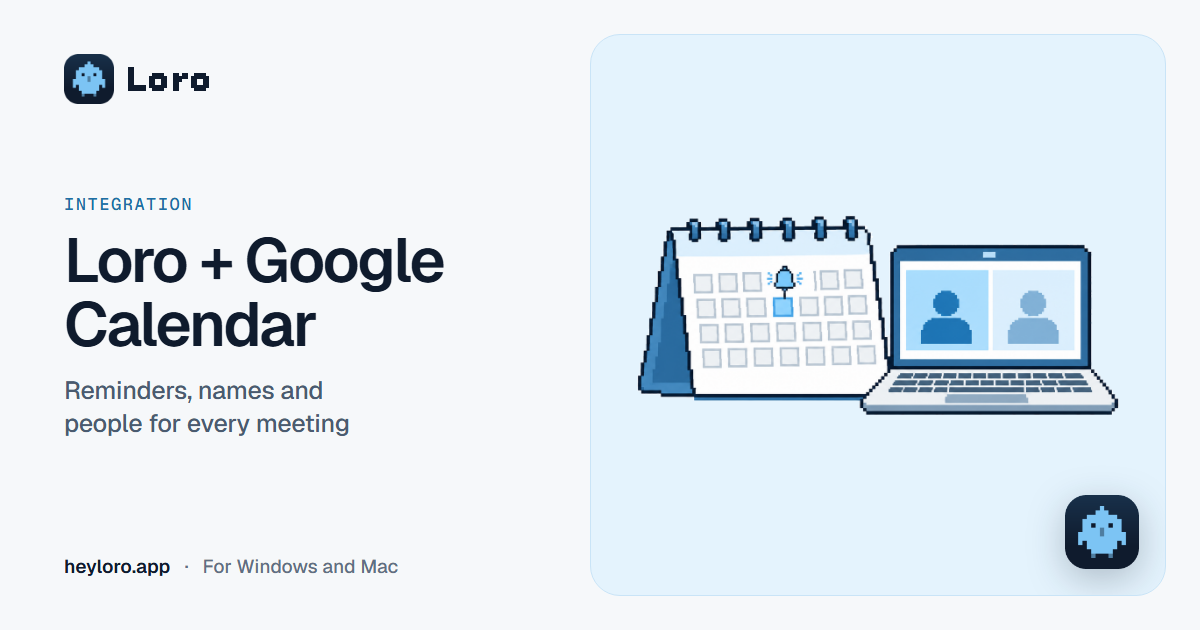
If you connect Google Calendar, Loro reminds you a minute before each meeting with a button to join and take notes, names the note after the meeting, and shows who attended. From your calendar it only reads your meetings (title, time, people and link) and never creates, changes or deletes events. Connect it in Settings › Call notes › Calendar › Google Calendar › Connect.
What Loro does with your calendar
- It reminds you a minute before each meeting with other people and a Meet, Zoom or Teams link, with a button to join and take notes.
- It names the note: your client meeting's note gets the event's name, not a generic one.
- It shows who attended, with the invited people.
- It works with several accounts: connect another and see the meetings from all of them together.
Without a calendar, Loro still asks "Take notes on this call?" when you start a call, for example a WhatsApp call.
What it reads and what it doesn't
- It reads: the title, time, invited people and video call link of your meetings.
- It doesn't: create, change or delete events.
- If you keep upcoming meetings on in Settings › Your AI, a copy is saved in your Loro account so your AI can read them; turning it off deletes the copy.
- Calendar data is never sold, used for ads or used to train AI models.
How to connect it
- In Loro, open Settings › Call notes.
- Under Calendar, choose Google Calendar (it works for Gmail and Google Workspace) and click Connect.
- Follow the steps in your browser: choose your Google account and accept the permissions.
- Go back to Loro: your upcoming meetings now show up in Notes.
To add another account, click Connect another. To remove one, Disconnect. More in the help center: how to connect Google Calendar.
Useful settings
- Remind me a minute before each meeting, on or off. It only reminds you of meetings with other people and a Meet, Zoom or Teams link: a focus block doesn't get one.
- Ask on unscheduled calls: if a call starts that isn't on your calendar, like a WhatsApp call, Loro asks whether to take notes.
Try Loro for free
Dictate in any app and get notes from your meetings, with no bot. For Windows and Mac, no card needed.
Frequently asked questions
Can Loro change my calendar?
No. Loro only reads your meetings: title, time, people and link. It never creates, changes or deletes events.
Does it work with Outlook?
For now, Loro connects to Google Calendar (Gmail or Google Workspace accounts).
Can I connect more than one Google account?
Yes. Click "Connect another" and you'll see the meetings from all of them together, without duplicates.
Why does Google show me a warning when I connect?
If Google says the app isn't verified, it's because Google is still reviewing Loro's calendar permission. You can continue from the warning's advanced option, or wait until Google finishes the review.
Do I need a calendar for Loro to take notes?
No. Without a calendar, Loro still asks when a call starts. The calendar adds the reminder before the meeting, the note's name and the people.
Sources
- Loro, privacy policy and Settings › Call notes (version 0.3.5), checked on October 13, 2026.
Keep reading
 Meeting notes
AI meeting notes
What an AI meeting notes app does, the difference between "with a bot" and "without a bot", how Loro takes notes in Meet, Zoom, Teams and WhatsApp, and what happens to your audio. Free to start.
Meeting notes
AI meeting notes
What an AI meeting notes app does, the difference between "with a bot" and "without a bot", how Loro takes notes in Meet, Zoom, Teams and WhatsApp, and what happens to your audio. Free to start.
 Meeting notes
Transcribe Google Meet
Google Meet only transcribes on some Google Workspace plans. How its transcripts and Gemini notes work, which plans include them, and how to transcribe any Meet for free and without a bot with Loro.
Meeting notes
Transcribe Google Meet
Google Meet only transcribes on some Google Workspace plans. How its transcripts and Gemini notes work, which plans include them, and how to transcribe any Meet for free and without a bot with Loro.
 Integrations
Loro + Claude
How to connect Loro to Claude so it can read your meeting notes, what was said and your upcoming meetings: step by step on the web, the desktop app and Claude Code, and what it can and can't read.
Integrations
Loro + Claude
How to connect Loro to Claude so it can read your meeting notes, what was said and your upcoming meetings: step by step on the web, the desktop app and Claude Code, and what it can and can't read.
Google Calendar is a trademark of its owner. Loro is not affiliated with it. The details come from its official pages, checked on October 13, 2026.