Loro + Claude: connect your meeting notes to Claude
In short
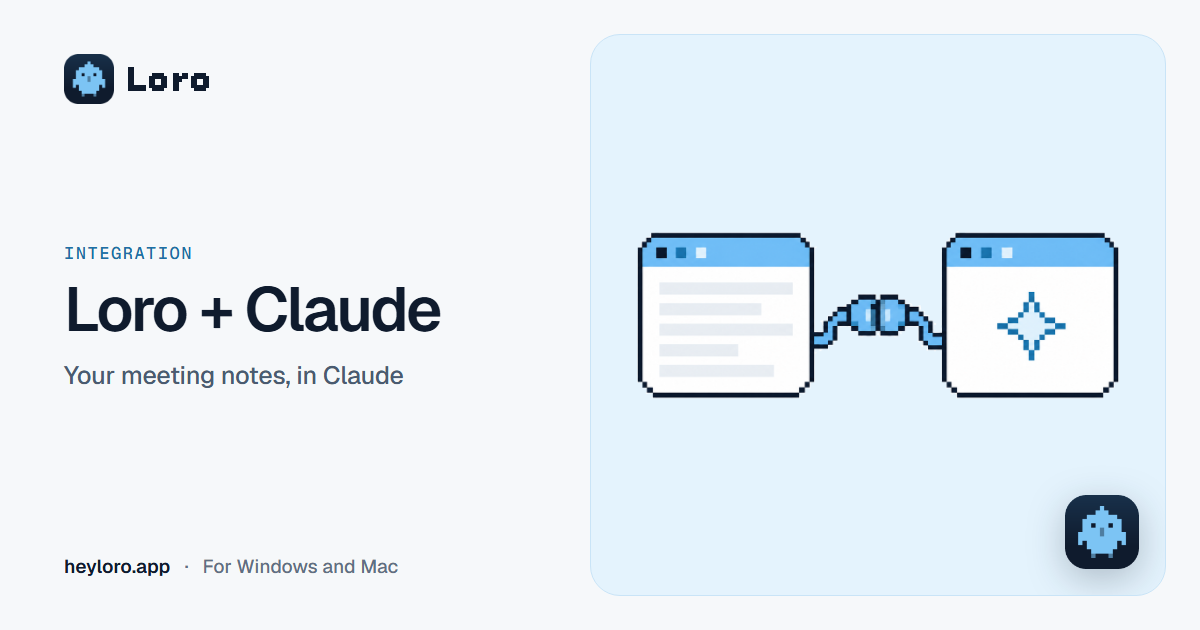
With Loro connected, Claude can read your meeting notes, what was said in them and your upcoming meetings, and answer things like "what's still pending from my call with Carlos?". To connect it over the internet: in Loro, open Settings › Your AI and copy the address; in Claude, go to Settings › Connectors › Add custom connector, name it "Loro", paste the address and sign in with your Loro Google account. Claude can only read: it can't change or delete your notes.
What Claude can do with your notes
- Answer questions about your meetings: "What's still pending from my call with Carlos?".
- Write with what was said: "Write the follow-up email with my notes and what was said".
- Get you ready: "Prepare me for the 3:00 pm meeting with Ana Torres".
Claude reads your notes, the note Loro wrote and what was said. It can't change or delete them.
Before you start
- In Loro, open Settings › Your AI and turn on Let your AI read Loro.
- To connect over the internet, in Settings › Privacy turn on Save my notes to my account. That way Claude can read your notes even when your computer is off.
Step by step: Claude on the web, the app or your phone
- In Loro, under Settings › Your AI, click Copy address (it's your internet connection's address).
- In Claude, go to Settings › Connectors › Add custom connector.
- Name it "Loro" and paste the address.
- Sign in with the same Google account you use in Loro.
- Try it: ask Claude "show me my latest Loro notes".
Offline: Claude's desktop app
If you use Claude on the same computer as Loro, you can also connect it without the internet: under Settings › Your AI › Only on this computer, click Add to Claude. Claude opens and asks you to confirm. Then Claude reads your notes straight from your computer.
Claude Code
In the terminal, paste the command Loro gives you in Settings › Your AI. Over the internet, it's:
claude mcp add --transport http loro https://heyloro.app/mcpWhat gets shared
- When Claude reads your notes, that text is sent to Claude.
- Over the internet, Claude reads the copy in your Loro account; offline, the one on your computer.
- You can see which AI you connected and when it was last used in Settings › Your AI, and remove its access whenever you want.
- On the free plan, your AI sees notes from the last 30 days. With Pro, your whole history.
Try Loro for free
Dictate in any app and get notes from your meetings, with no bot. For Windows and Mac, no card needed.
Frequently asked questions
Can Claude change or delete my notes?
No. Claude can only read your notes. If you allow it in Settings › Your AI, it can also see your to-dos and, for now only through this computer's connection, add or change them; it never deletes anything.
Do I need the internet?
For the internet connection, yes, and it works even when your computer is off. With "Add to Claude" in the desktop app, Claude reads your notes straight from your computer, offline.
What's the address to connect Loro?
The one Loro shows you in Settings › Your AI. Over the internet it's https://heyloro.app/mcp, and you sign in with your Loro Google account.
How do I remove Claude's access?
In Loro, under Settings › Your AI, click "Remove access" on Claude's connection. You can also turn off "Let your AI read Loro".
Does it work with other AIs?
Yes. Loro uses MCP, the standard way to connect apps to AI assistants: it also works with ChatGPT, Cursor, Gemini and others.
Keep reading
 Integrations
Loro + ChatGPT
How to connect Loro to ChatGPT so it can read your meeting notes and what was said: step by step with developer mode, what it can read, and how to dictate your prompts to ChatGPT with Loro.
Integrations
Loro + ChatGPT
How to connect Loro to ChatGPT so it can read your meeting notes and what was said: step by step with developer mode, what it can read, and how to dictate your prompts to ChatGPT with Loro.
 Meeting notes
AI meeting notes
What an AI meeting notes app does, the difference between "with a bot" and "without a bot", how Loro takes notes in Meet, Zoom, Teams and WhatsApp, and what happens to your audio. Free to start.
Meeting notes
AI meeting notes
What an AI meeting notes app does, the difference between "with a bot" and "without a bot", how Loro takes notes in Meet, Zoom, Teams and WhatsApp, and what happens to your audio. Free to start.
 Voice dictation
Dictate in ChatGPT
ChatGPT has a microphone for dictation and a voice mode for conversations. How to use each one on a computer, and how to dictate long prompts with clean text in ChatGPT, Claude, Gemini or any AI.
Voice dictation
Dictate in ChatGPT
ChatGPT has a microphone for dictation and a voice mode for conversations. How to use each one on a computer, and how to dictate long prompts with clean text in ChatGPT, Claude, Gemini or any AI.
 Voice dictation
Dictate in Claude
Claude has a microphone for dictation on the web, in its app and on your phone, plus Caps Lock dictation on a Mac. How to use each one, how it differs from voice mode, and how to dictate long prompts without filler words.
Voice dictation
Dictate in Claude
Claude has a microphone for dictation on the web, in its app and on your phone, plus Caps Lock dictation on a Mac. How to use each one, how it differs from voice mode, and how to dictate long prompts without filler words.
Claude is a trademark of its owner. Loro is not affiliated with it. The details come from its official pages, checked on October 13, 2026.