Local vs cloud dictation: where your voice goes, and which one to use
In short
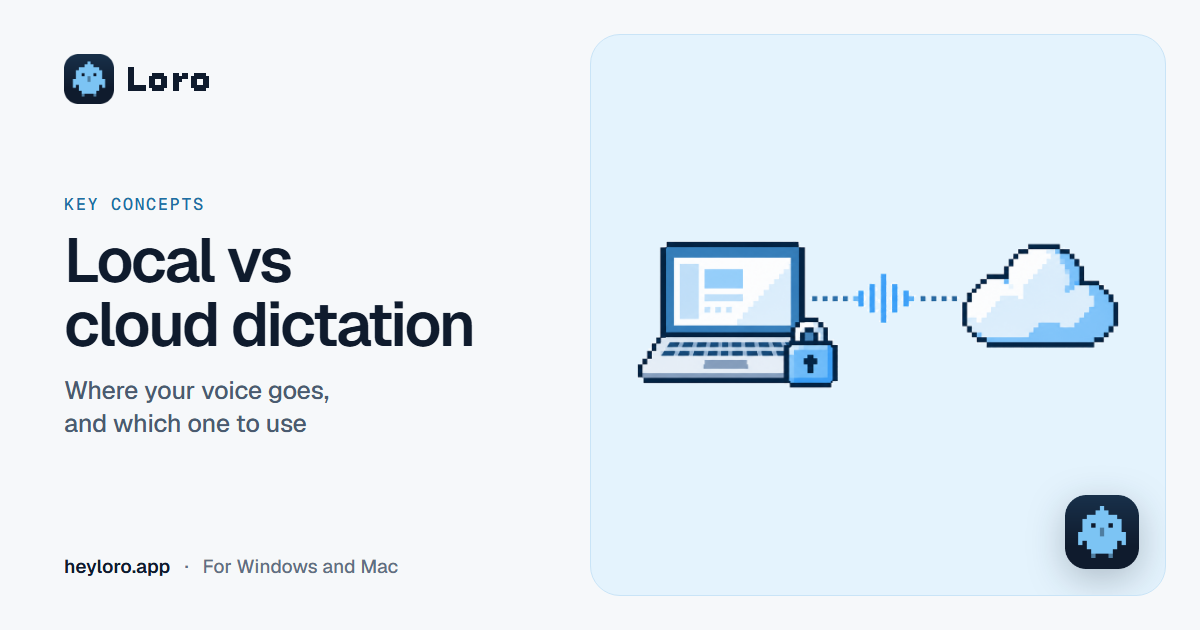
Local dictation turns your voice into text on your own computer: your voice never leaves it and it works offline. Cloud dictation sends your voice to a server, which usually handles noise and accents better. What matters in both cases is what gets stored. Loro does both: online it uses the cloud and deletes the recording as soon as it's text; if you pick "On your computer", your voice never leaves your computer; and offline, everything happens on your computer.
Local: on your computer
- How it works: a voice model installed on your computer listens and types.
- The good: your voice never leaves your computer, and it works offline.
- The bad: it depends on what your computer can do, and it may handle noise or tricky accents worse.
In the cloud
- How it works: your voice travels to a server, which turns it into text and sends it back.
- The good: cloud models usually handle noise, accents and names better, and they don't tax your computer.
- The bad: it needs the internet, and your voice leaves your computer. That's why it matters whether it's stored, and for how long.
Quick comparison
| Local | Cloud | |
|---|---|---|
| Does your voice leave your computer? | No | Yes |
| Works offline? | Yes | No |
| Noise and accents | Good, depending on the model | Usually better |
| Speed | Depends on your computer | Depends on your connection |
| What to ask | What's stored on your computer | What's stored on the server, and for how long |
How Loro does it
- Online, Loro turns your voice into text in the cloud, which handles noise and accents better, and the recording is deleted as soon as it becomes text.
- "On your computer" (in Settings): your voice is turned into text on your computer and never leaves it.
- Offline, you still dictate and your meetings are transcribed with Loro's voice model, on your computer. For Loro to write the note offline too, download its AI in Settings › Call notes (about 2.6 GB, once).
- Your dictation text is kept for 30 days to improve Loro; it's never sold or used for ads, and you can turn that off and delete it in Settings › Privacy.
- In meetings, the audio is never stored. Your notes are saved on your computer and in your Loro account (so your AI can read them); that copy can be turned off in Privacy.
Everything Loro keeps, and how to delete it: Privacy and data.
What to ask any app
- Does my voice leave my computer?
- Is the recording stored? For how long?
- Is the text stored? Is it used to train models?
- Can I turn off what's stored and delete it?
- Does it work offline?
Try Loro for free
Dictate in any app and get notes from your meetings, with no bot. For Windows and Mac, no card needed.
Frequently asked questions
Which is better, local or cloud dictation?
It depends on what you need. If what matters most is that your voice stays on your computer, or working offline, go local. If you want better handling of noise and accents, the cloud. Loro lets you choose.
Does Loro store my voice?
No. Online, the recording is deleted as soon as it becomes text. On your computer or offline, your voice never leaves your computer.
Does Loro work offline?
Yes. Offline, Loro dictates and transcribes your meetings with its voice model, on your computer. For it to write the note offline too, download its AI in Settings › Call notes.
What happens to the text of what I dictate?
It's kept for 30 days on Loro's servers so we can see how it writes and improve it. It's never sold or used for ads. You can turn that off and delete it in Settings › Privacy.
Keep reading
 Key concepts
What is AI dictation
AI dictation turns what you say into text that's ready to send: no filler words, punctuation included, and it understands when you correct yourself. How it works, how it differs from Windows or phone dictation, and what it's good for.
Key concepts
What is AI dictation
AI dictation turns what you say into text that's ready to send: no filler words, punctuation included, and it understands when you correct yourself. How it works, how it differs from Windows or phone dictation, and what it's good for.
 For your work
Loro for lawyers
How lawyers use voice dictation and AI meeting notes: drafts, emails to clients and notes of calls, with the option to keep your voice on your own computer.
For your work
Loro for lawyers
How lawyers use voice dictation and AI meeting notes: drafts, emails to clients and notes of calls, with the option to keep your voice on your own computer.
 For your work
Loro for doctors
How doctors and health professionals use voice dictation on their computer for reports, referral letters and emails, what to watch out for with patient data, and how to keep your voice on your own computer.
For your work
Loro for doctors
How doctors and health professionals use voice dictation on their computer for reports, referral letters and emails, what to watch out for with patient data, and how to keep your voice on your own computer.